My favorite apps to read and books in English I have on them.
About the apps:
I know I need to try to explore other types of text buuuut right now I'm not even able to write a short story in Spanish not even in English. So in this post, I want to talk to you about the apps I like using for reading on my android cellphone.
I have this app called Lithium which only works for reading EPUB format books, but I have really enjoyed and let me tell you why:

 First, it is a very simple app, very minimalistic and I really like this because I don't like complicated apps, I'm already very complicated, I need to simplify my readings.
So this is the first view if the app, you must to have downloaded the epubs in your cellphone so the books can appear on the app.
 This is the left sidebar. As you can see, you can add categories, but I don't have any just because I haven0t had the time to organize the boos I have in there. Besides, you can always have the PRO version but the free version is very complete.
 These are the options that appear when you touch the 3 dots in the right corner, where you can update the library, so the app searches the new epubs that you have downloaded on your phone. There is also the option of organizing and to change the design of the app.
 I have organized my books in a grid, but you can also have it like a list.


Also, you can organize the books by title, author, added date or last read.
 Finally, what I REALLY love are the bookmarks. You have like 5 different colors to mark the quotes and then you can see them this way.
The other app I use is "Kindle App" which is very similar buuuut a little bit more complicated just because of the system of adding books to the platform.
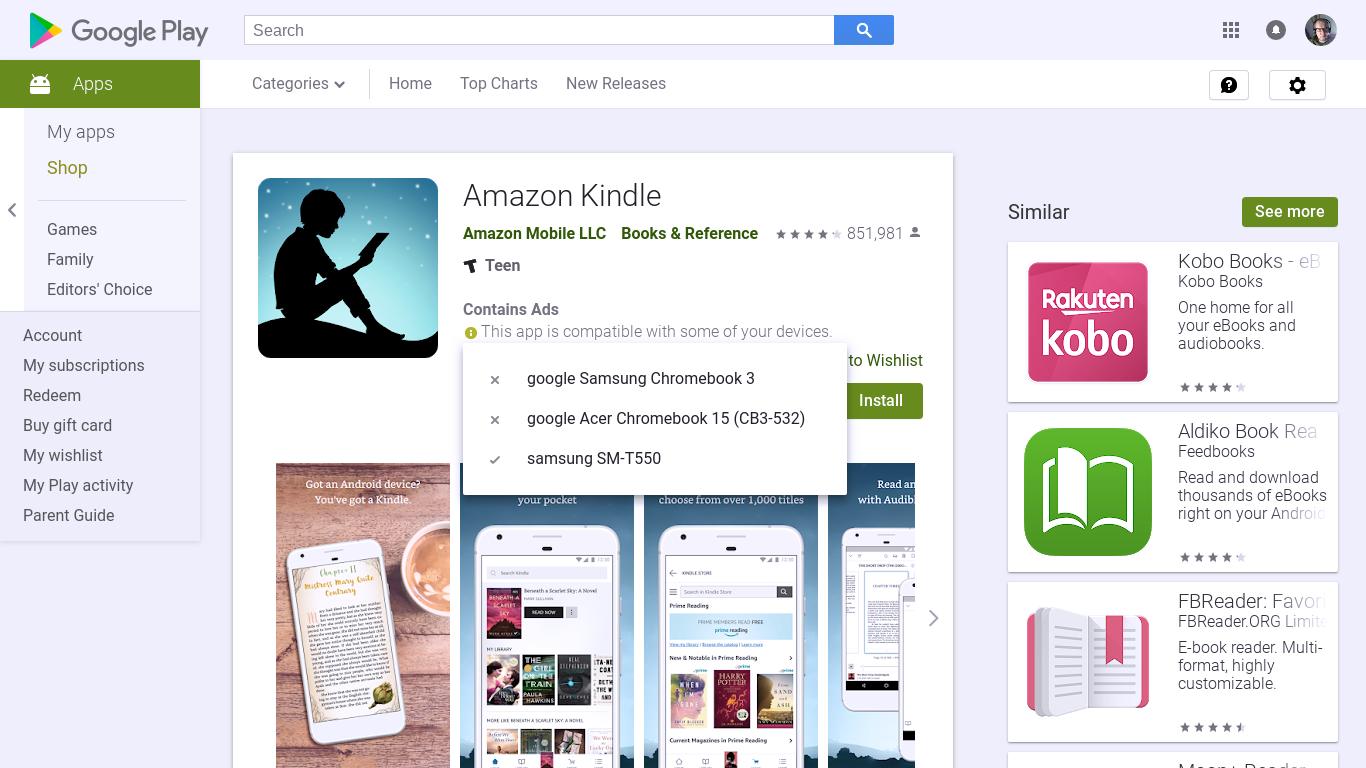
So, here you need to create an amazon account, then open the app in your phone and synchronize the app with your amazon email and then to add books to the app you need to send the books to the amazon email in .mobi format. So yes, it is a little bit more complicated but the same as lithium.

So this is the first view if the app, you must to have downloaded the epubs in your cellphone so the books can appear on the app.


Also, you can organize the books by title, author, added date or last read.

The other app I use is "Kindle App" which is very similar buuuut a little bit more complicated just because of the system of adding books to the platform.
So, here you need to create an amazon account, then open the app in your phone and synchronize the app with your amazon email and then to add books to the app you need to send the books to the amazon email in .mobi format. So yes, it is a little bit more complicated but the same as lithium.

No hay comentarios:
Publicar un comentario